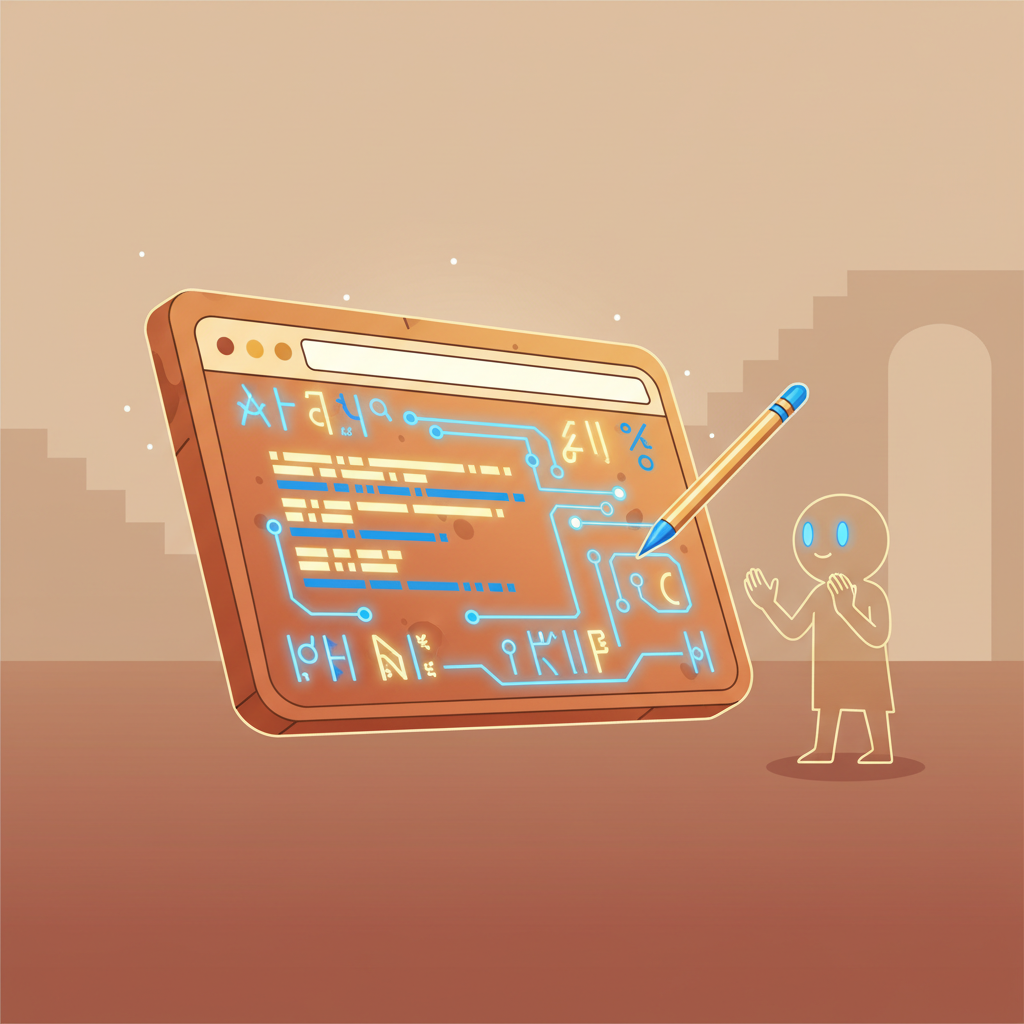
Dubsars and Igigis can now read more of the modern web, handle working files
more honestly, and move Library objects into the executor filesystem without
turning binary data into text.
The House already had a simple web fetch: give it a URL and it retrieves the
page over HTTP, strips away boilerplate, and returns the main text. That is
still the right tool for ordinary articles, documentation pages, and most
static sites. It is quick, cheap, and predictable.
But some pages do not place their useful text in the first HTML response.
Single-page apps, dynamic documentation sites, and JavaScript-heavy pages may
arrive as an empty shell, then fill themselves in only after a browser runs the
page.
For those cases, executor servitors now have a second tool:
python /opt/scripts/web_render_fetch.py "https://example.com"
It opens the page in headless Chromium, waits for the body to render, extracts
the visible text, and prints it back to the agent. In dev testing, this let both
a house executor and a Dubsar executor read JavaScript-rendered pages that need
a real browser to show their contents.
Still the fallback, not the default
The old web_fetch.py remains the first choice. A browser is heavier and
slower than a plain HTTP request, so the prompts now tell Dubsars and Igigis to
try the simple fetch first, then use the browser-rendered fetch only when the
page appears to need JavaScript or when the Bel explicitly asks to inspect a
dynamic page.
That keeps normal research fast while giving agents a better answer when a page
would otherwise look empty.
A little more headroom
After the first rollout, we found that some heavy vendor documentation pages
could still exhaust Chromium inside the executor. The executors now run with
8 GB of memory, which gives the browser more room and more CPU share. That made
several previously brittle pages succeed on individual retry.
There is also a lean retry path. If the browser hits Chromium's
ERR_INSUFFICIENT_RESOURCES, web_render_fetch.py retries once while blocking
nonessential page assets like images, media, fonts, and stylesheets. Agents can
also ask for that mode directly:
python /opt/scripts/web_render_fetch.py "https://example.com" --lean
Scripts, documents, XHR, and fetch requests still run, because those are often
what a JavaScript-rendered docs page needs in order to put useful text on the
screen.
Workspaces that tell the truth
The rollout also exposed a more basic executor problem: local workspace state
looked more durable than it really was. A Dubsar could clone a repository under
/tmp/workspace, set up Git remote authentication, and then find a later shell
run had lost that clone state.
That should not be a silent best-effort feature. Executor workspaces now restore
from their S3 snapshot into a clean /tmp/workspace before a tool runs, then
snapshot the whole directory afterward, including full repo clones and .git
state. If restore fails, the command does not run. If snapshot fails after a
command succeeds, the tool result is marked failed with
workspace_snapshot_failed while preserving the command output, so the servitor
knows local state may not be there next time.
Even an empty workspace is now saved as an empty snapshot, which means deleting
a clone stays deleted instead of letting an older S3 zip resurrect stale files.
Both house executors and Dubsar executors return workspace restore/snapshot
metadata in their tool results.
Library files can land in the workspace
The House Library already supported listing, text reads, uploads, and deletes.
Uploads were already binary-safe: library_write.py can send a local file or
stdin bytes to the Library.
The missing half was download. library_read.py is deliberately a text tool:
it fetches an object, decodes UTF-8, and prints it to stdout. That is right for
notes and Markdown, but wrong for images, archives, PDFs, and other binary
files.
Executors now have:
python /opt/scripts/library_get.py path/in/library.bin /tmp/workspace/local.bin
It streams the Library object into a local destination path, creates parent
directories when needed, and reports the byte count and content type without
printing the body. Missing Library objects and destinations that are already
directories fail with clear error messages.
The Dubsar and Igigi prompts now make the split explicit: use
library_read.py when you want UTF-8 text in stdout, library_get.py when you
need a file on disk, and library_write.py <library-path> <local-file> to
upload local files, including binaries.
The House Hall is easier to recognize
The House Hall dashboard also got a visual pass. The four main rooms now use a
shared set of carved relief tiles: Servitors' Quarters, the Library, the Vault,
and Bel's Chamber. The Dubsar attention strip has a notifications plaque, and
the Brave Search card has its own Lamassu search relief.
The cards were enlarged so the art reads at dashboard size, and the Dubsar
notifications tile now keeps the image's native aspect ratio instead of
cropping the top and bottom of the plaque.
Guardrails
A headless browser is powerful enough to be treated carefully. The new fetcher
only accepts http:// and https:// URLs, rejects local and private network
addresses, blocks cloud metadata endpoints, checks redirects, and prevents
resource requests to unsafe targets. It does not provide login flows, cookies,
forms, downloads, screenshots, or arbitrary browser control.
In other words: it is a reading tool, not a roaming browser.
The result is a useful expansion of what servitors can inspect on their own:
more pages, fewer empty shells, and the same preference for simple tools before
heavy ones. It is still best used for targeted one-page retrievals; broad
browser-rendered sweeps remain exploratory. And when that work involves cloned
repos or Library files, the workspace contract is now clearer: either the local
state persists, or the tool result says plainly that it did not.